Fleet
Two phase apply
This is the mechanism the whole product is built around. Everything you save is written down and none of it is live. Applying is what makes it real, and it is designed so that it either works everywhere or nowhere.
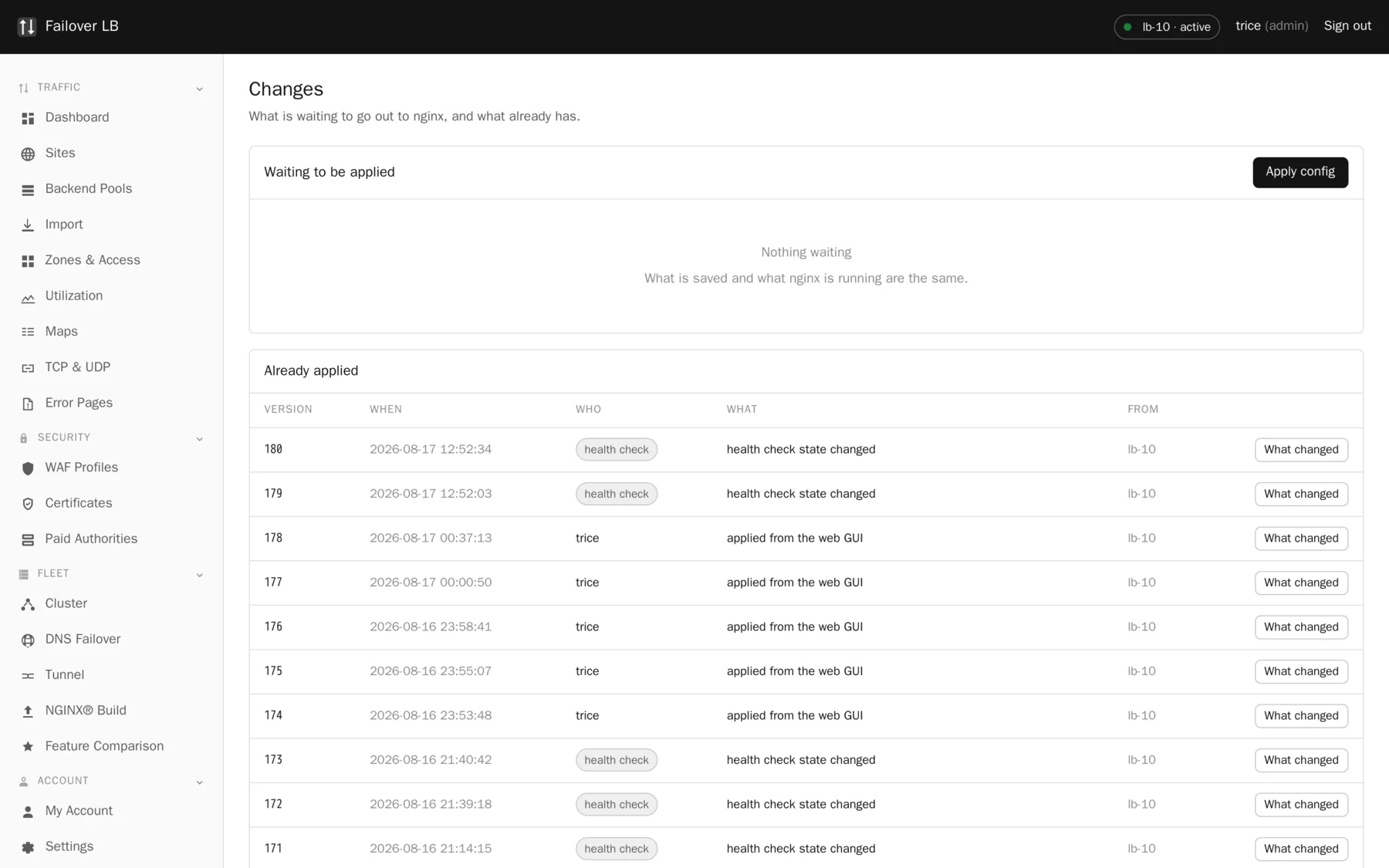
What happens when you press Apply
- The whole configuration is built from the database. Not patched, built.
- It is checked for problems before anything is sent anywhere.
- Each node stages it beside the live config and runs
nginx -tagainst it, using that node's own binary. - Only if every node accepts it does any node swap it in and reload.
- If any node refuses, every node keeps what it had and you are told exactly what was wrong.
Why every node tests it separately
Because the binaries can differ. A directive that belongs to a module compiled into one build and not the other is valid on one node and fatal on the next. Testing centrally would catch none of that, and the failure would land at the worst moment: after the change had already gone out.
A node that was switched off
It does not block the change. The change goes into that node's queue and is replayed when it comes back, so it catches up rather than quietly drifting. That is the difference between a fleet and two servers that used to agree.
The reload is graceful
On reload, the nginx master reads the new configuration and starts new workers with it. The old workers stop taking new connections but keep serving the requests they already have until those finish, then they exit. No connection is cut and nobody sees an error.
Two things worth knowing. A reload costs a little processor time and briefly runs two sets of workers, so memory goes up for a moment. And if you have very long lived connections, such as WebSockets, the old workers stick around until those close.
Warnings before applying
Some changes get a warning first. The most common is a pool with no healthy servers in it, which means the site would serve errors. A warning is not a refusal: sometimes serving an error page from a pool you are about to fill is exactly what you meant to do.
The habit worth building
Apply in small steps
One change applied and checked is easy to understand. Nine changes applied together, one of which broke something, is an afternoon. Saving costs nothing and changes nothing for your visitors, so save as often as you like and apply when you are ready for the change to be real.
Why this is a row we win
On the comparison page, "config tested on every node before any node applies" scores five for us and one for all three competitors. That is not a claim that they are badly built. It is that this specific arrangement, staging on every peer and committing only on unanimous agreement, is unusual, and it is the single thing that makes a two node fleet safe to change on a Friday.
Common questions
How long does an apply take?
A few seconds for a normal fleet. Most of it is the config test on each node.
Can I apply from the standby?
No. Changes are made on the active node. The standby shows the same screens with the write buttons grayed out.
What if a node fails halfway through the commit?
The fleet rolls back together. That is what the two phases are for.
Step by step instructions
The how to section has searchable, task shaped answers. Search it for apply.
Related features
Clustering
Every node holds the whole config. No central controller.
Read moreChange history and rollback
Every apply kept, and put back with one click.
Read moreActive and standby
One node takes changes, both serve traffic.
Read moreThe nginx build
nginx from source with 80 modules, rebuilt from the GUI.
Read more